v1.0.0 Stable
User Management
The User Management dashboard provides a high-level overview of the entire user base. Administrators can monitor account activity, track total balances, and perform rapid status updates to ensure the community remains secure and active.
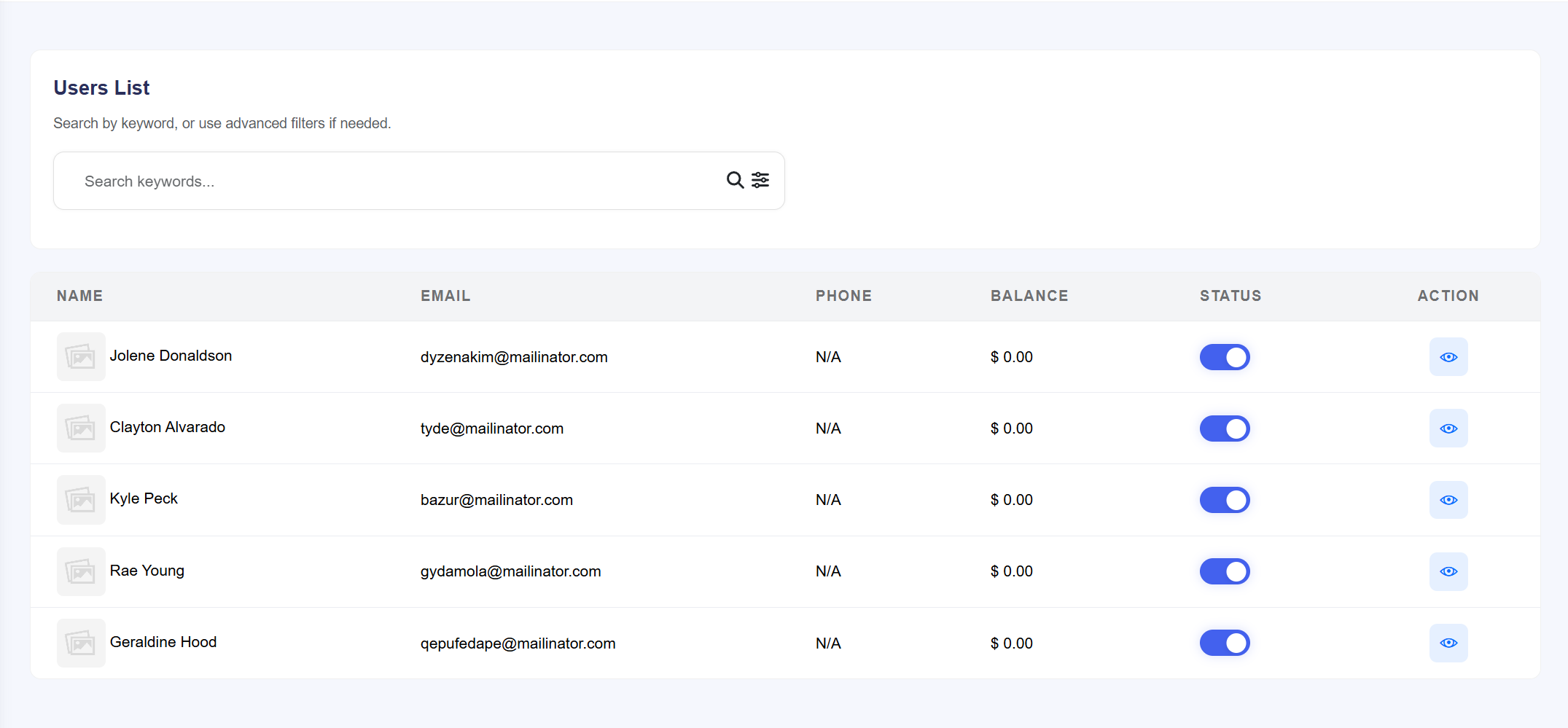
Figure 1.0: Master user list with identity, financial, and status
tracking.
Key Management Features
- User Identity: Quickly view the Name, Email, and Phone Number for every registered account.
- Balance Tracking: Real-time monitoring of each user's current Wallet Balance directly from the table view.
- Status Toggle: A global Status switch allows for the instant enabling or disabling of user accounts without leaving the main list.
- Detail Access: Click the View (eye icon) to enter the granular User Details dashboard for comprehensive account control.
User Details & Advanced Actions
The User Details view is the primary command center for an administrator. It offers deep insights into a specific user's financial performance, referral network, and account security settings.
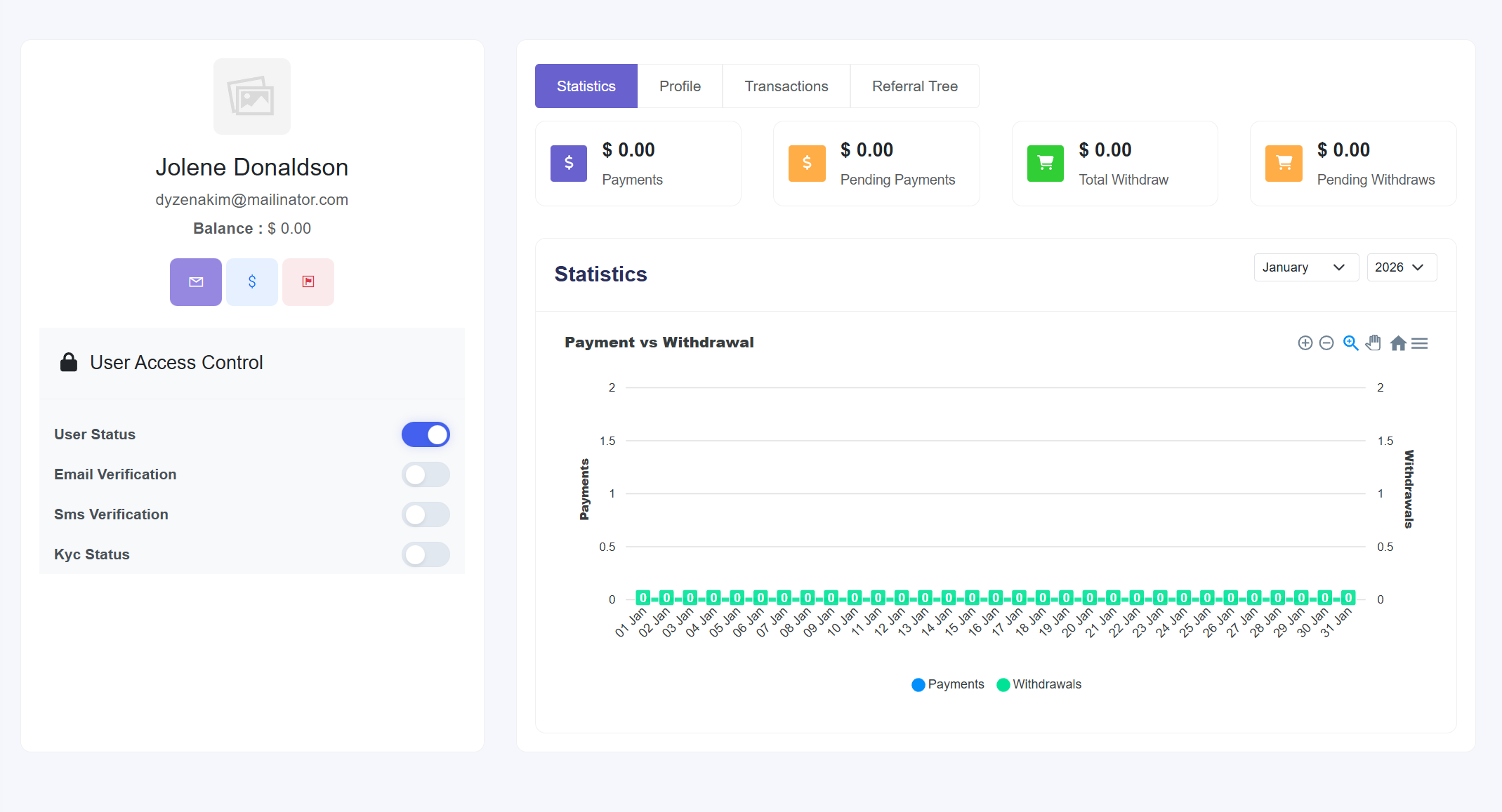
Figure 1.1: Administrative control center for financial, profile, and
communication tasks.
Available Administrative Controls
- Financial Action Center:
- Add/Subtract Money (Blue Icon): Manually adjust a user's balance for refunds, bonuses, or corrections.
- Transaction History: View a detailed audit log of all financial movements for the account.
- Analytics: Monitor lifetime data for Total Payments, Pending Payments, and Withdrawals.
- Communication & Security:
- Send Email (Purple Icon): Compose and send a direct email to the user through the platform.
- Disable User Toggle: Revoke platform access immediately in case of policy violations.
- Verification Management: Manually toggle Email, SMS, and KYC (Know Your Customer) verification statuses.
- Profile & Growth:
- Update Profile: Modify personal details, location, and update account passwords.
- Referrals: Inspect the user's Referral Tree to see invited users and associated commissions.
Admin Notice: Always verify user identity before using the Add/Subtract
Money feature to maintain financial accuracy within the platform.